Appearance
Getting started
This page takes you from your first sign-in to the reviews of a project.
Sign in
Open Nozart in your browser. Enter your Email and Password, then select Sign In. If your organisation uses Google accounts, choose Continue with Google instead.
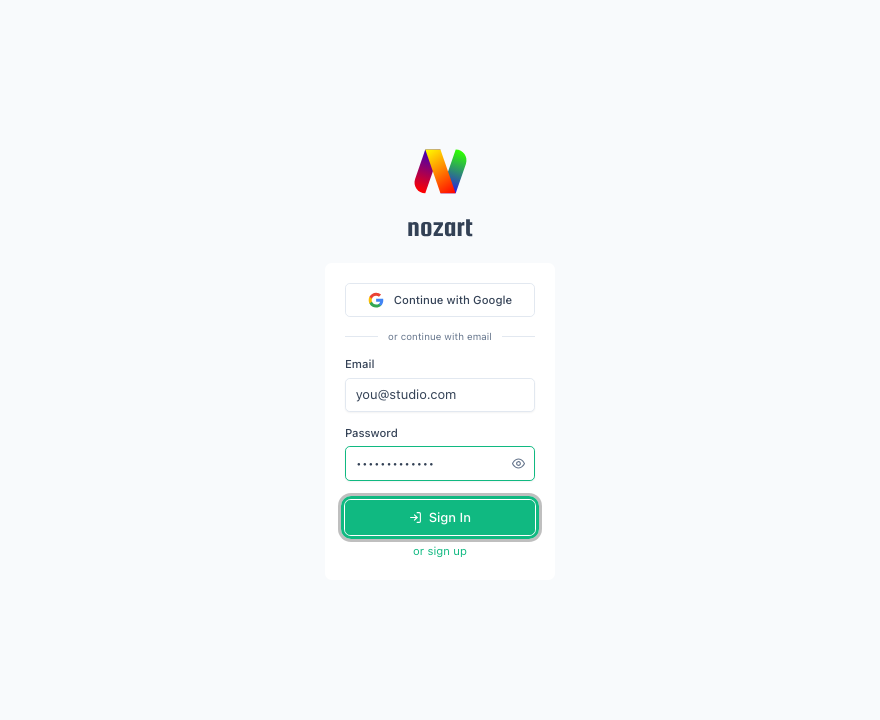
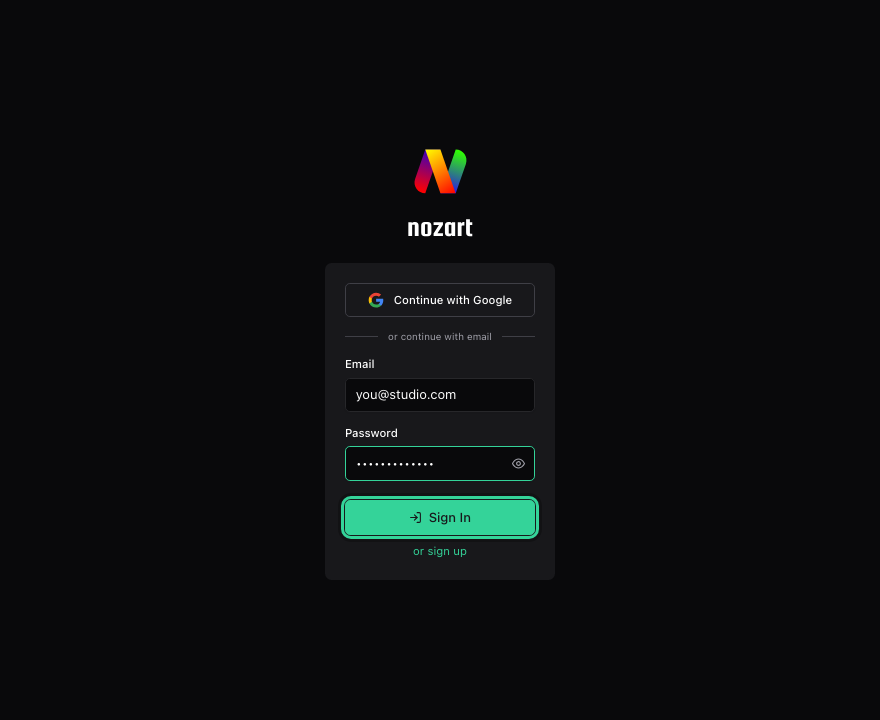
Don't have an account yet? Select or sign up below the button.
Find your projects
After signing in you land on Projects, which lists every project in your organisation that you can access. Each card shows the project's name and a short description.
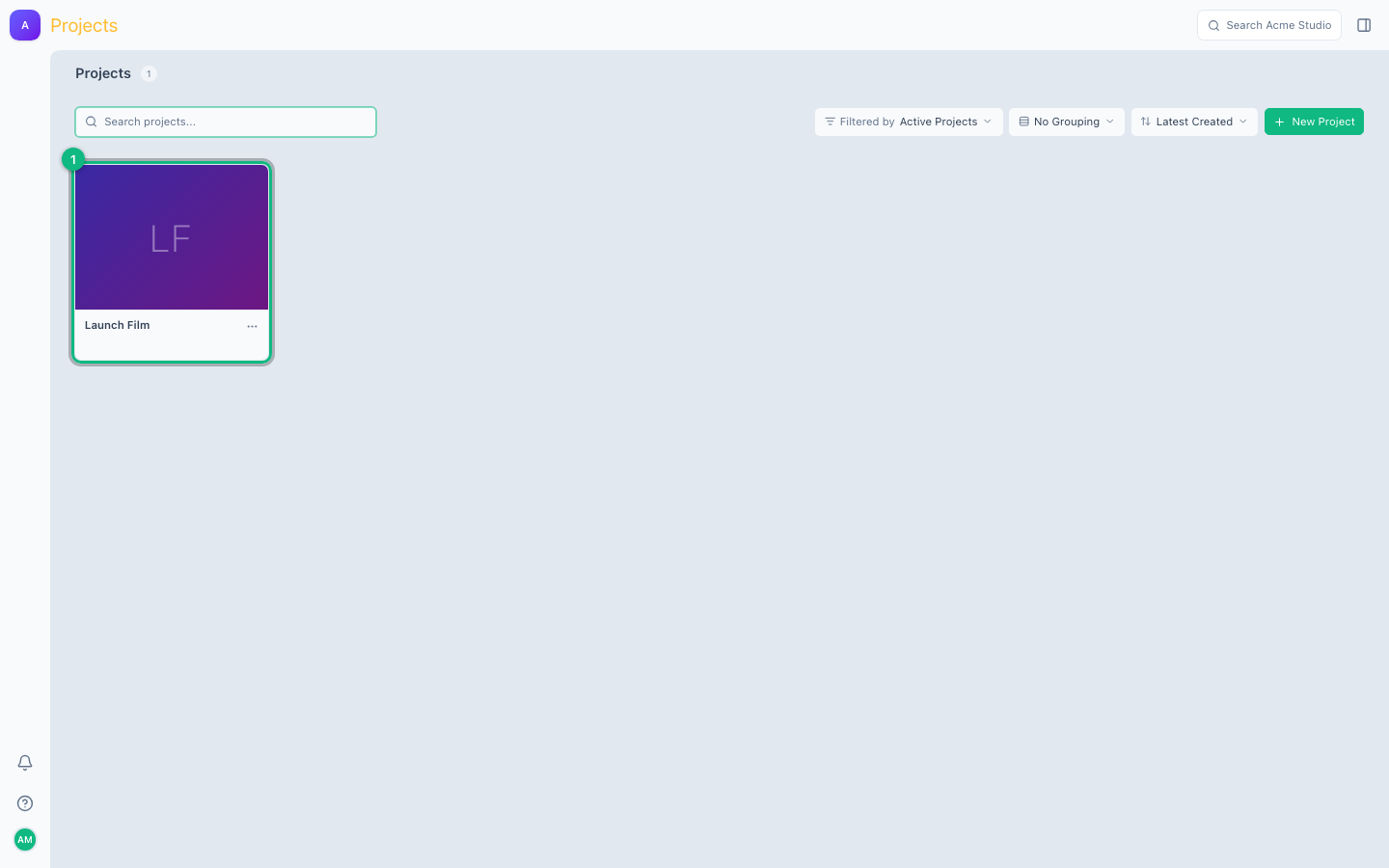
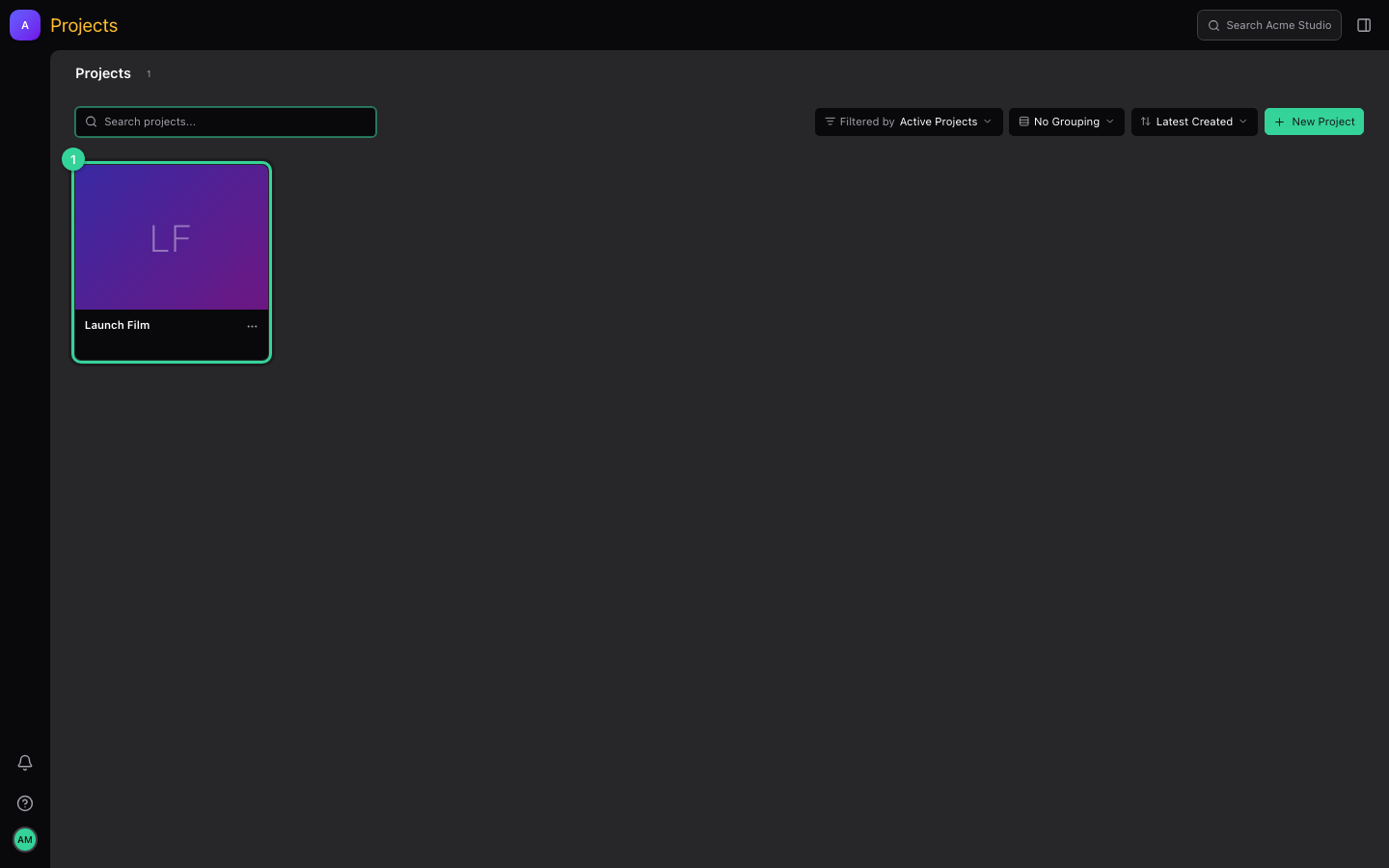
- Search projects… finds a project by name.
- The filter, grouping and sort menus change which projects are shown and in what order.
- New Project creates a project, if your role allows it.
Select a project card (for example Launch Film, marked 1) to open it.
Open a project's reviews
A project opens on its Reviews list. A review collects the media your team gives feedback on: cuts, colour passes, stills or documents.
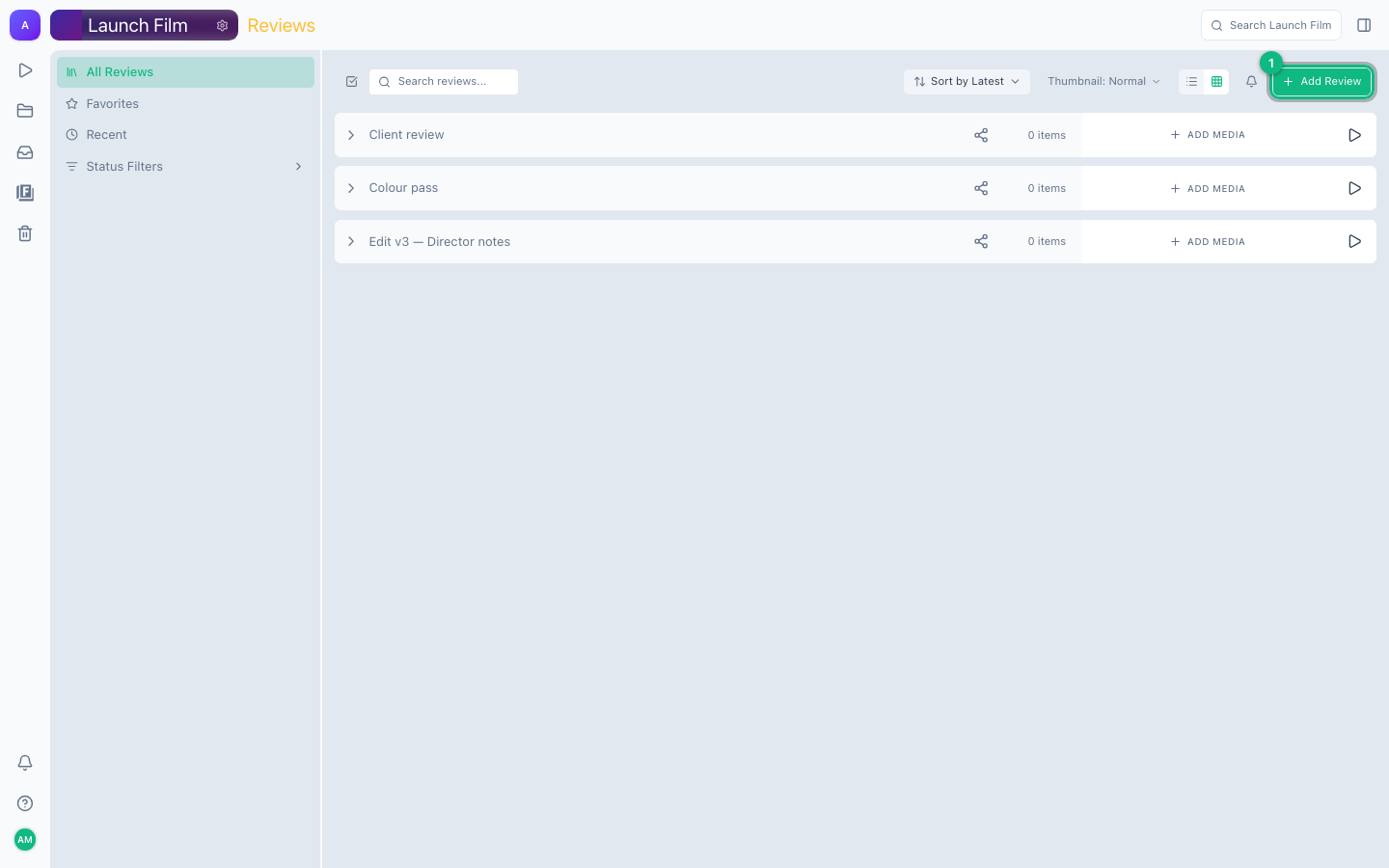
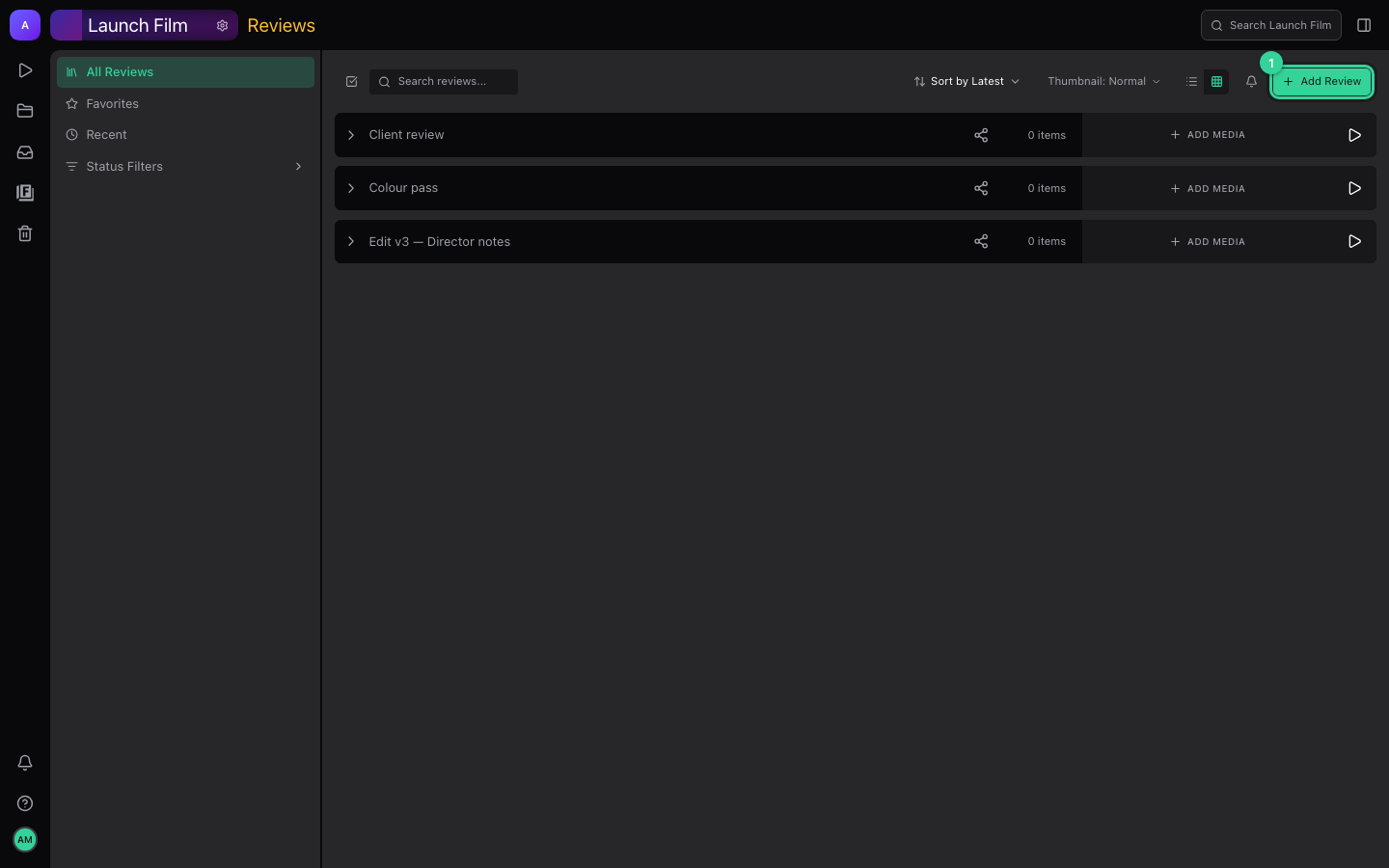
- Select Add Review (marked 1) to create a review.
- Add media on a review's row uploads files into it.
- The play button on the right of a row opens the review in the player.
- The left sidebar switches between All Reviews, Favorites, Recent and Status Filters.